

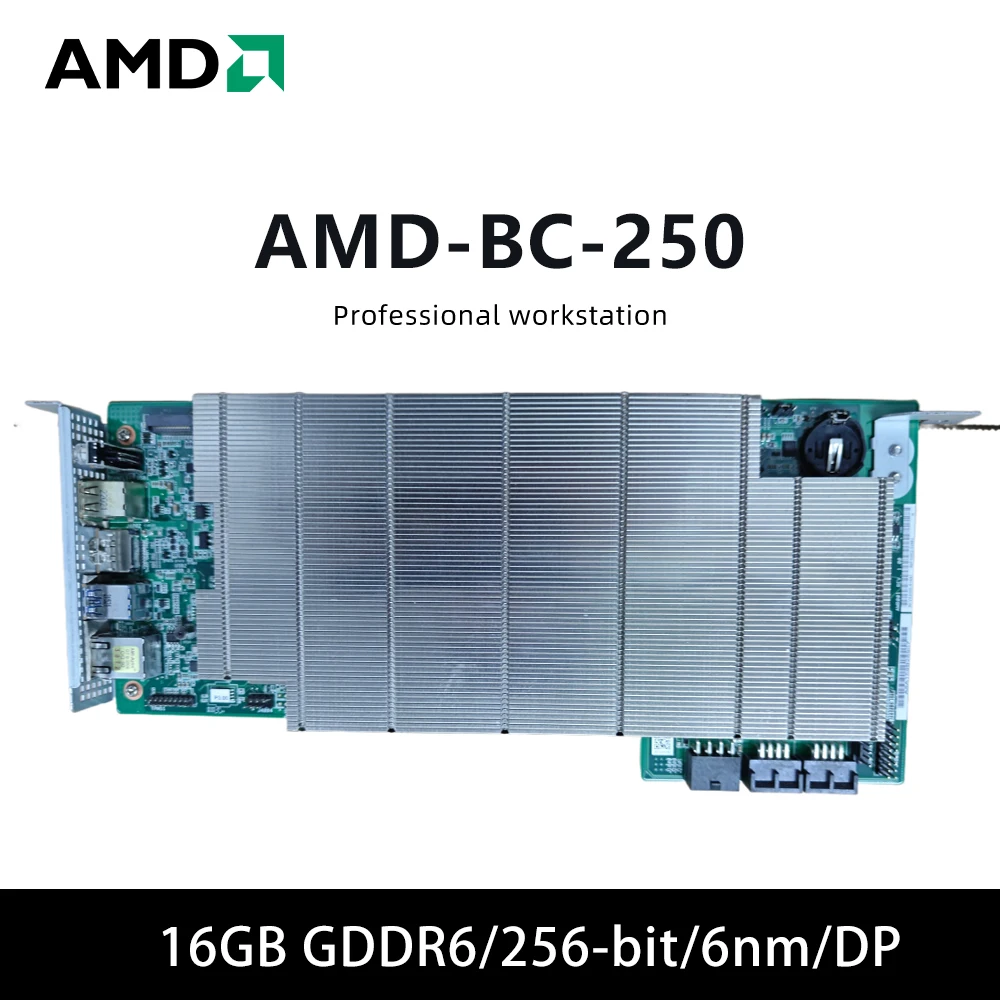
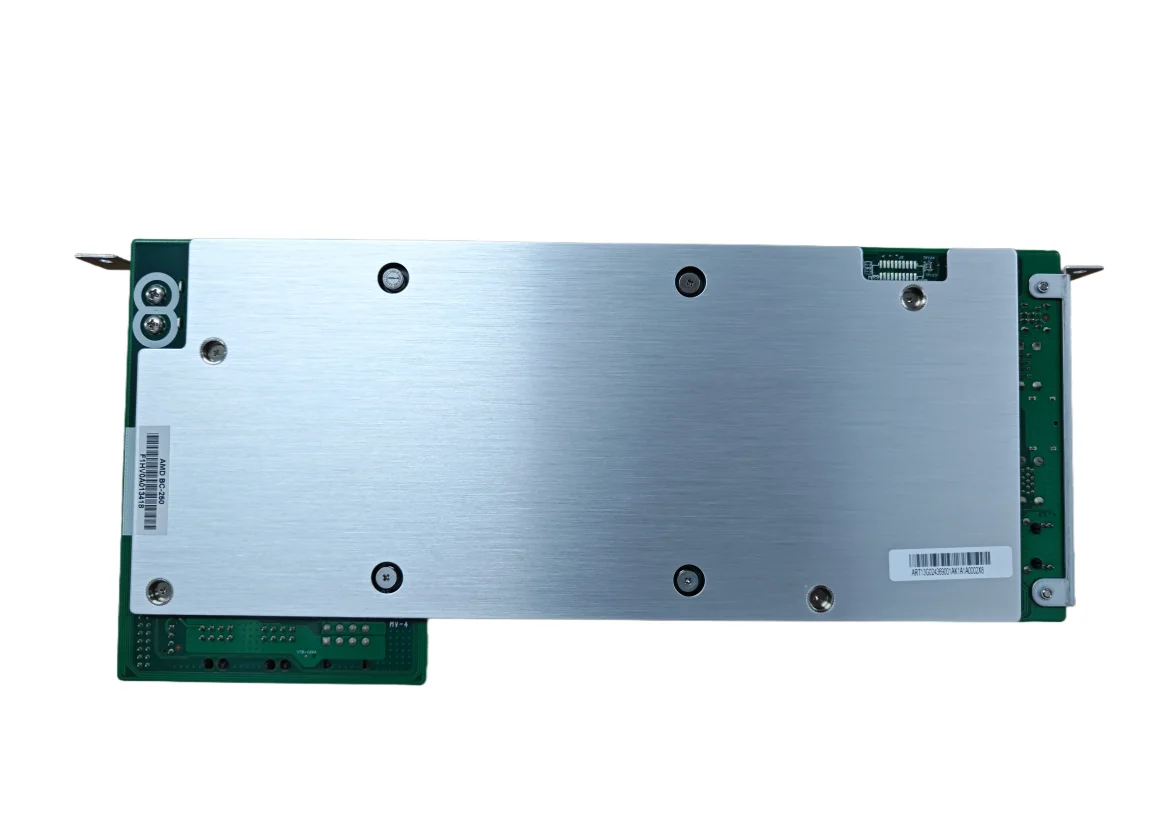
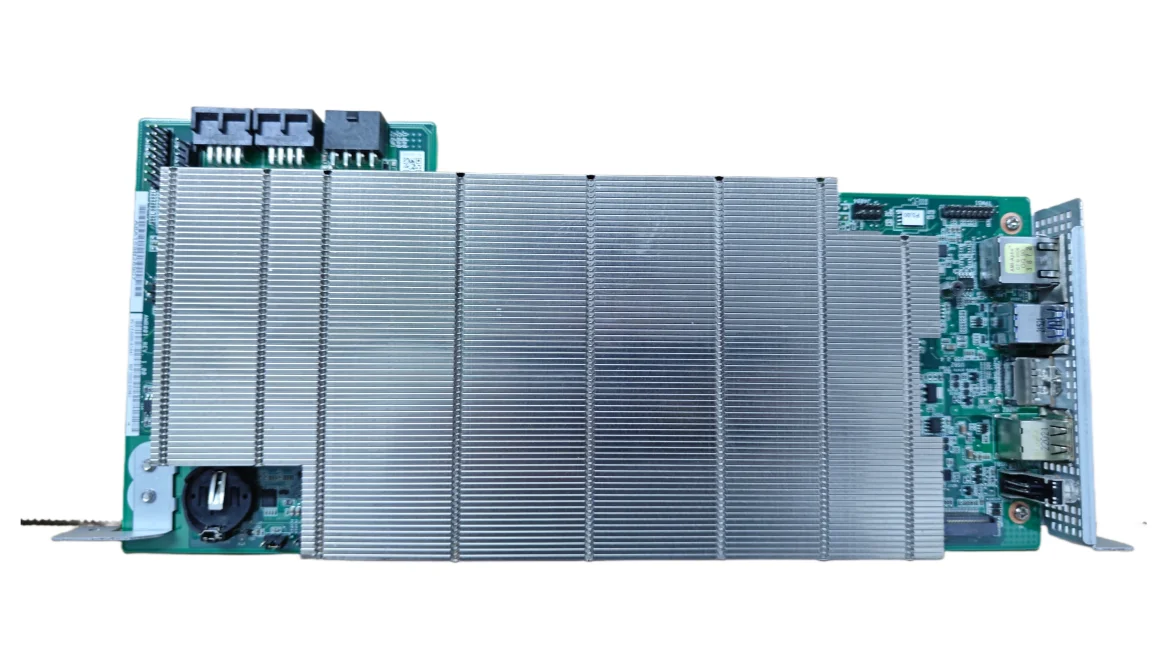
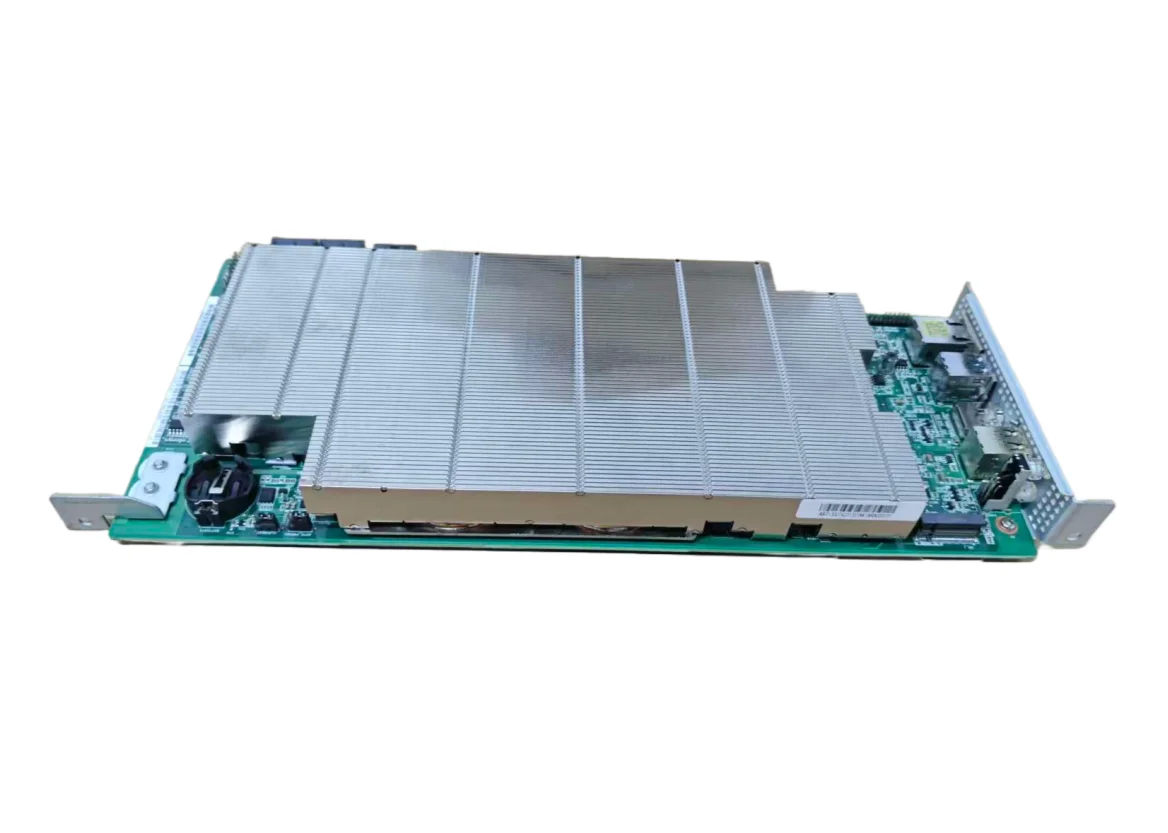
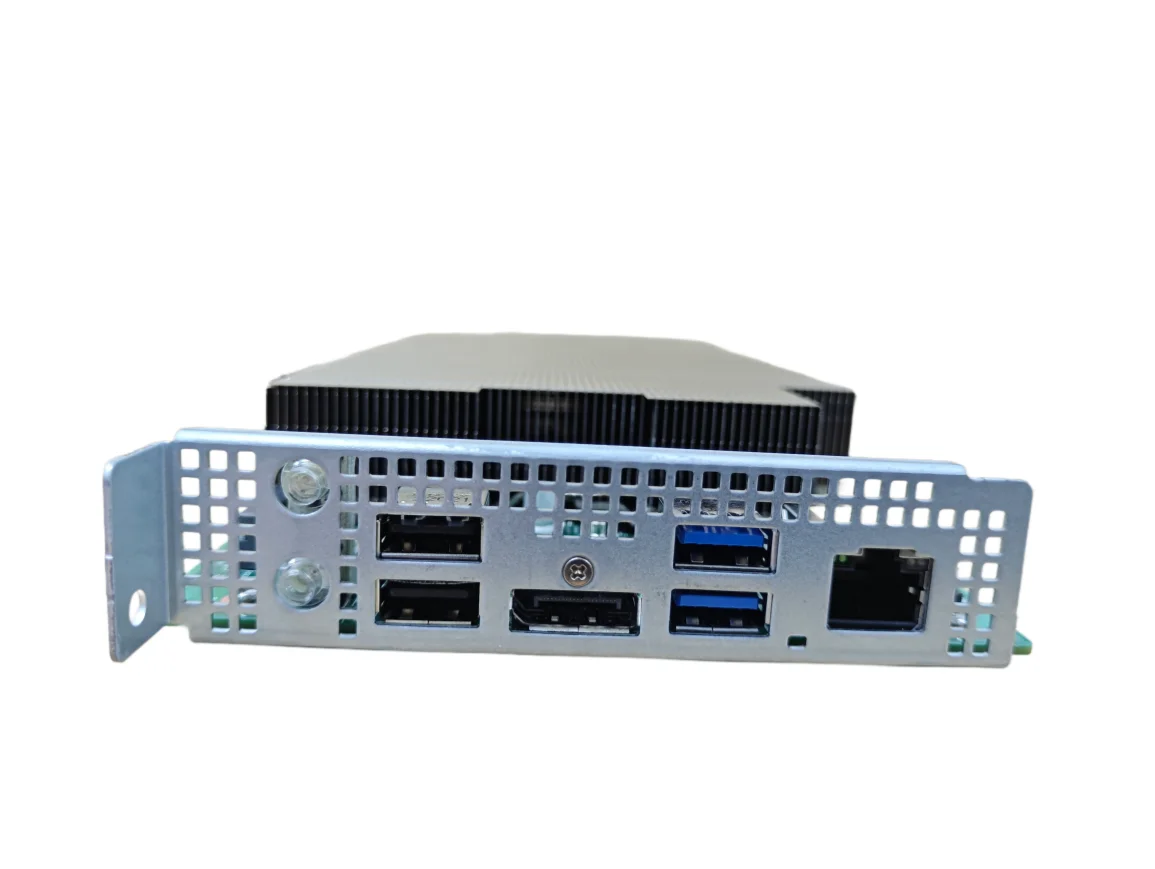
AMD BC 250 Placa De Vídeo 16GB GDDR6 256-bit Graphics Card SINGLE CARD GPU Tarjeta Gráfica for Desktops PC


AMD BC 250 Placa De Vídeo 16GB GDDR6 256-bit Graphics Card SINGLE CARD GPU Tarjeta Gráfica for Desktops PC
SPECIFICATIONS
Application: Desktop
Brand Name: NONE
Chip Process: 7NM
Chipset Manufacturer: NVIDIA
Cooler Type: No Fan
High-concerned chemical: none
Interface Type: PCI Express 3.0 x8
Memory Clock(Mhz): 1085
Memory Interface: 256 BIT
NOTE: The wire connecting the motherboard should be a PCIe power cord, which is 6+2pin. Do not use a CPU4+4 power cord
Origin: Mainland China
Output Interface Type: DisplayPort x1
Overclocked: no
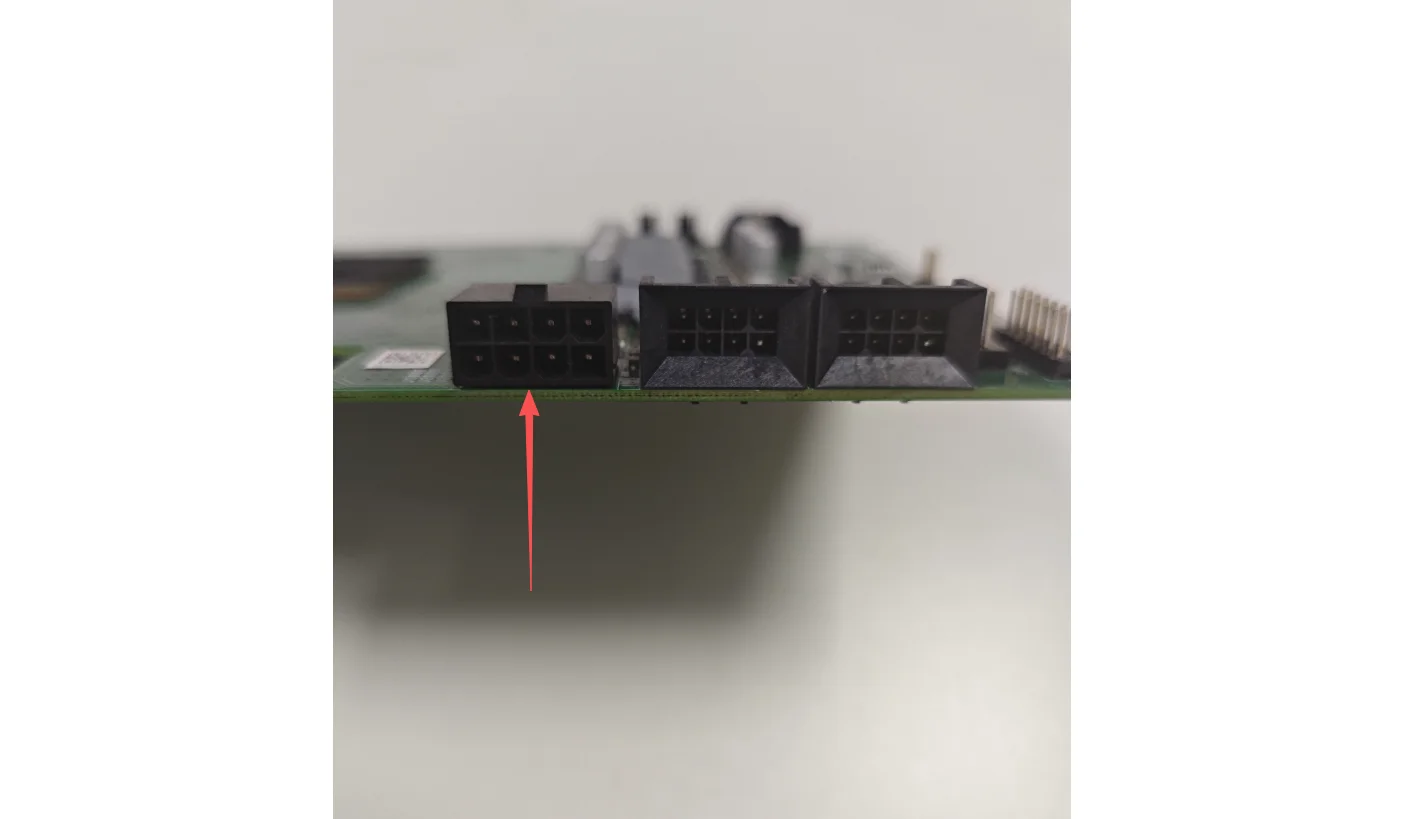
Power Connector: 8pin
Product Category: Desktop Graphics Cards
Product Features: VR READY
RGB: no
Usage Scenario: Gaming,Audio & Video,Office,3-D Modeling,Video Rendering,others,MaxCompute,Video Production
Video Memory Capacity: 16 GB
Video Memory Type: GDDR6
How to use
There are tutorials on YouTube on how to use the BC-250.
Connect the power supply and turn it on. The LED light on the circuit board will flash briefly, and then the device will shut down. If this happens, you need to replace the power supply because the Metalfish 650m flexible power supply is incompatible. Due to some protection mechanism, the power supply will immediately stop supplying power to the circuit board because there is no 5V output. The problem can be solved after replacing the power supply
The wire connecting the motherboard should be a PCIe power cord, which is 6+2pin. Do not use a CPU4+4 power cord
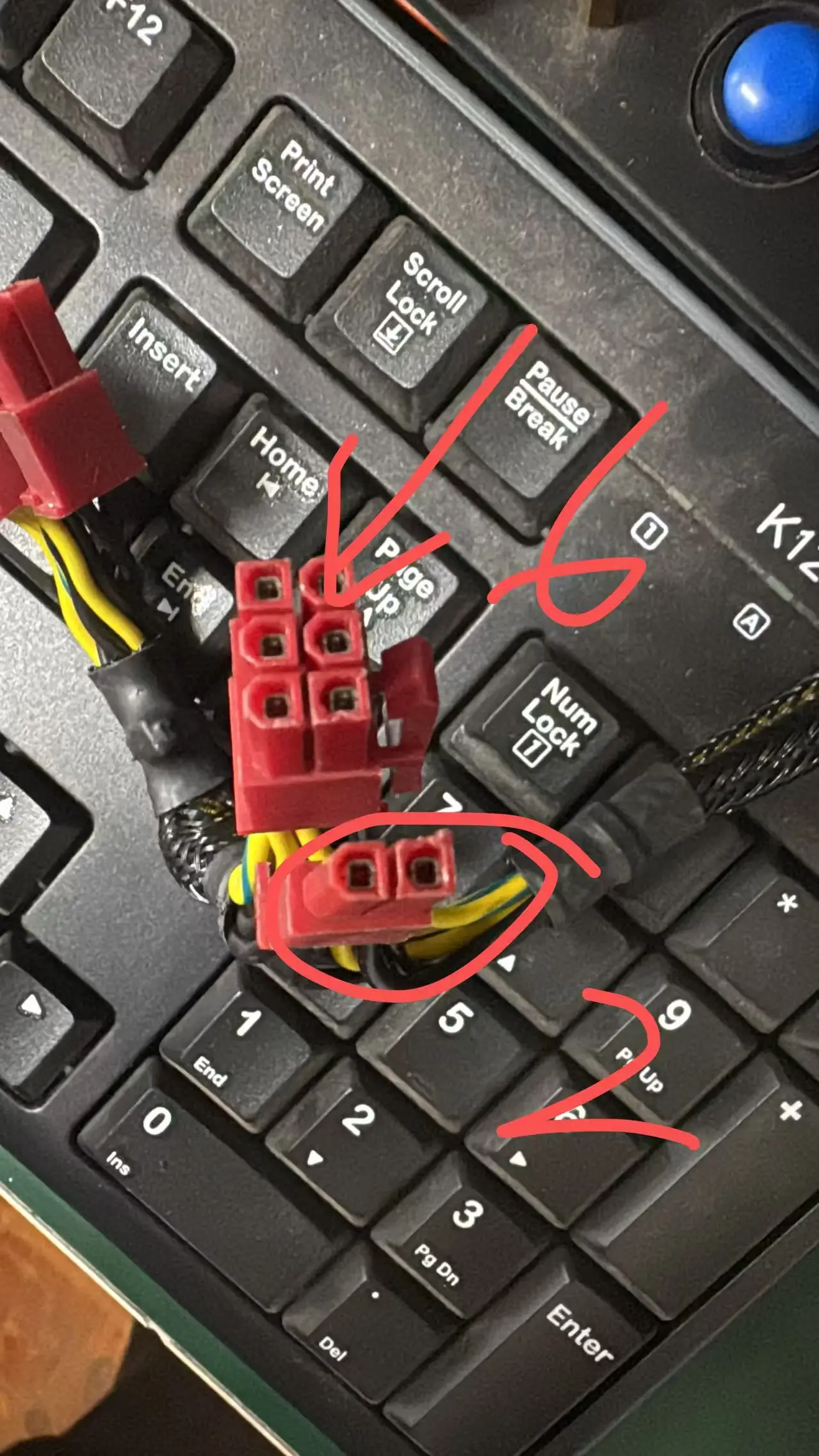
The wire connecting the motherboard should be a PCIe power cord, which is 6+2pin. Do not use a CPU4+4 power cord
Connect the power supply and turn it on. The LED light on the circuit board will flash briefly, and then the device will shut down. If this happens, you need to replace the power supply because the Metalfish 650m flexible power supply is incompatible. Due to some protection mechanism, the power supply will immediately stop supplying power to the circuit board because there is no 5V output. The problem can be solved after replacing the power supply
When supplying power to the graphics card, please plug it into the CPU power supply interface, as shown below


placa de vídeo